Body Paragraph Builder (Google Docs Add-on Sidebar)
A guided sidebar that helps students turn a reason + evidence + explanation into a strong body paragraph with sentence starters, structured prompts, and a one-click insert.
Screenshots
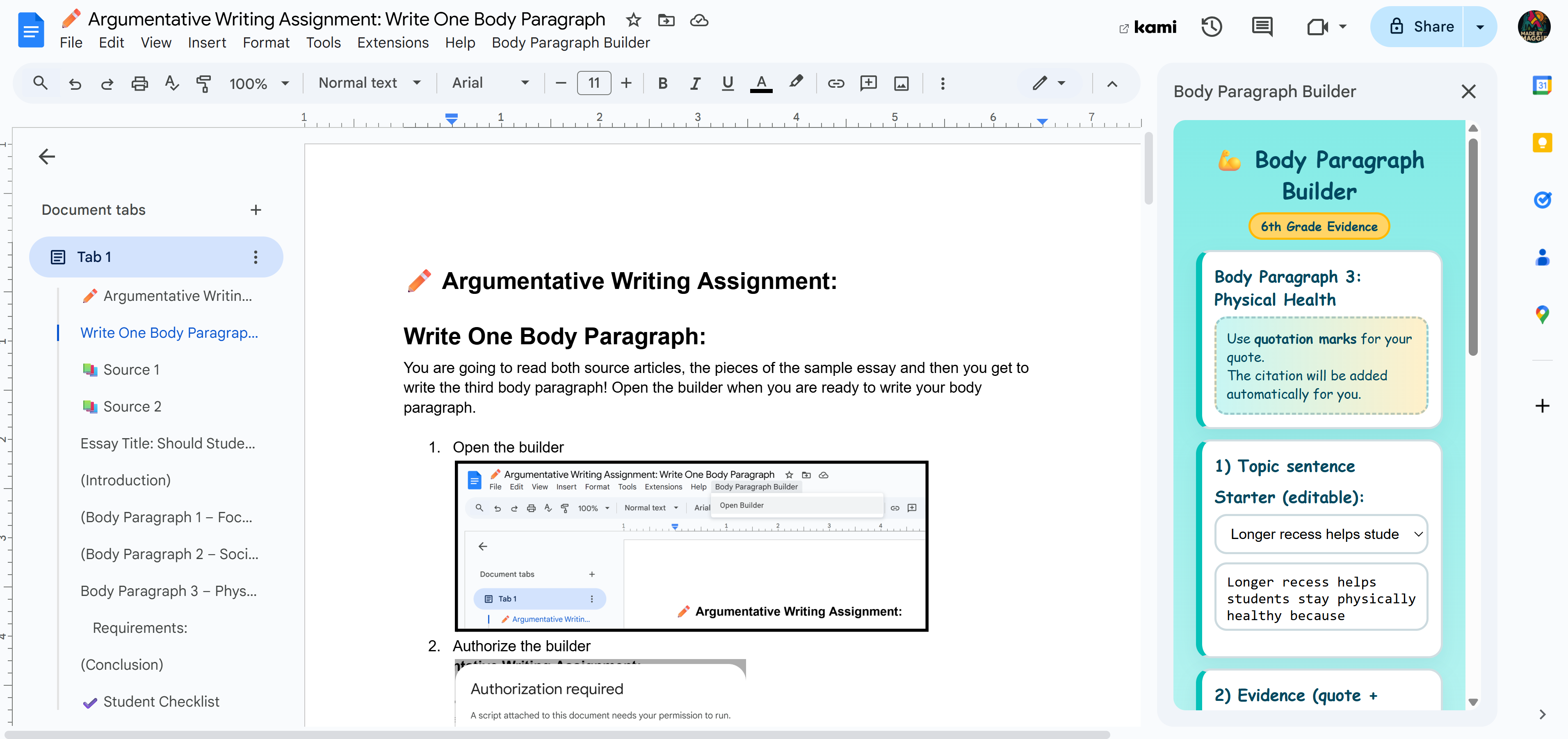
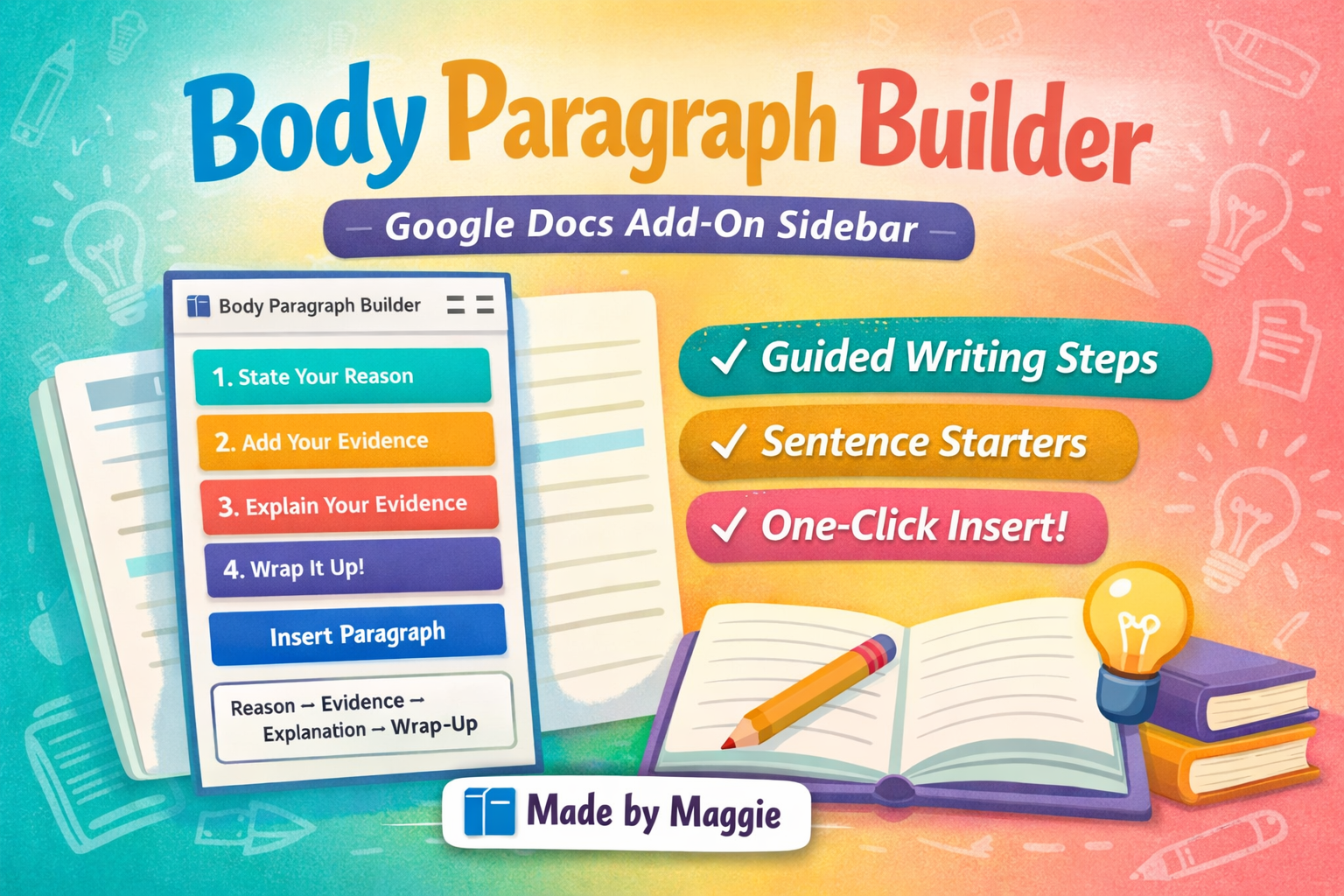
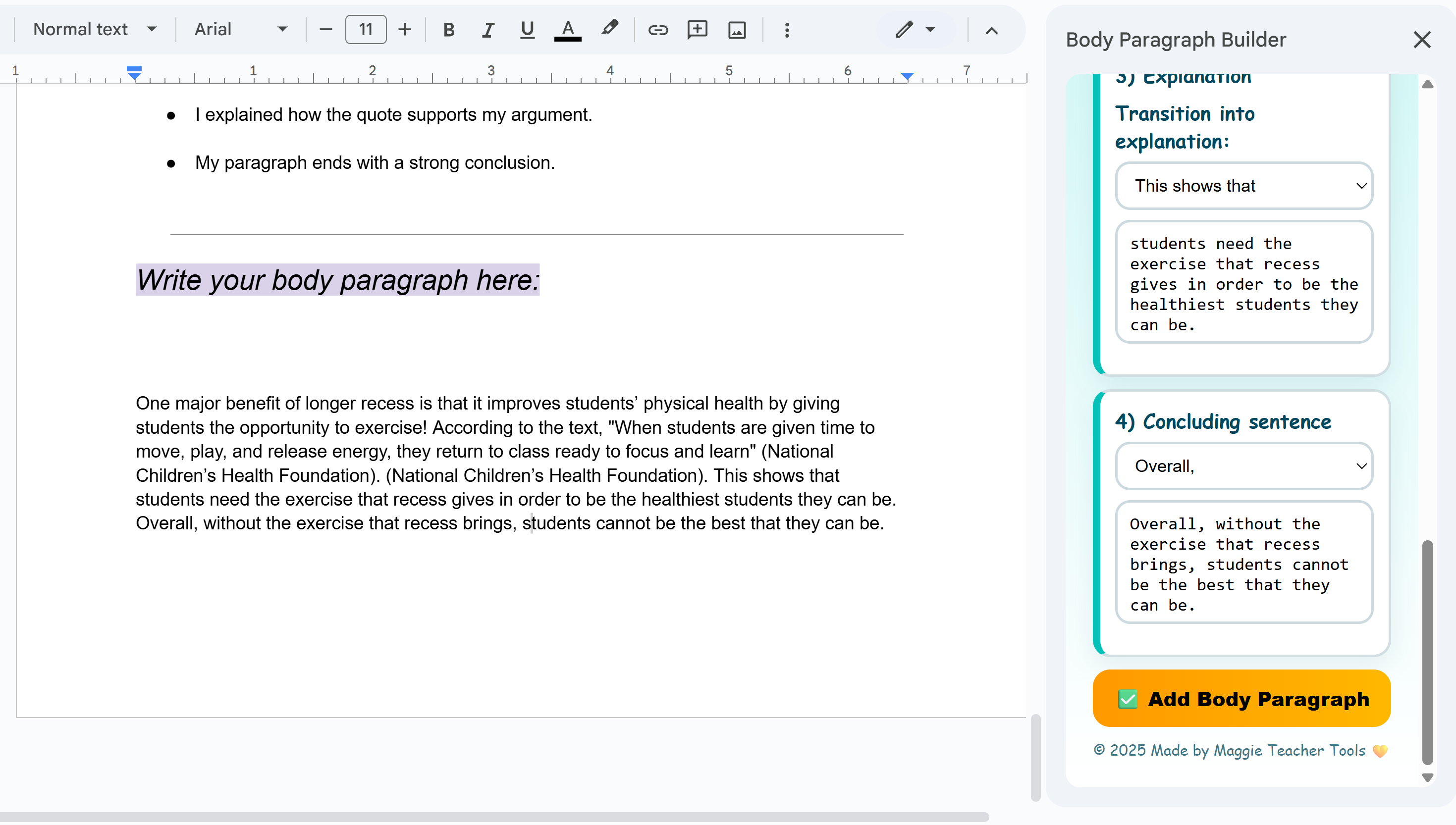
A guided sidebar that helps students turn a reason + evidence + explanation into a strong body paragraph with sentence starters, structured prompts, and a one-click insert.
Students build a paragraph in a clear order (reason, evidence, explanation, wrap-up) so their writing stays organized and on-topic.
Built-in starters support emerging writers without writing it for them—perfect for scaffolding independence.
When students are ready, the builder inserts the final paragraph directly into the current Google Doc.
The Body Paragraph Builder processes text only within the current Google Doc to assemble a body paragraph. We do not transfer document content to external servers, sell data, or share data with third parties. No persistent personal data is stored by this add-on.
See our Privacy Policy and Terms of Service.
$5 — One-Time Purchase
Purchase Body Paragraph BuilderIncludes a Google Doc copy link you can share with your class.
Questions about verification or functionality? Contact us via the contact form.